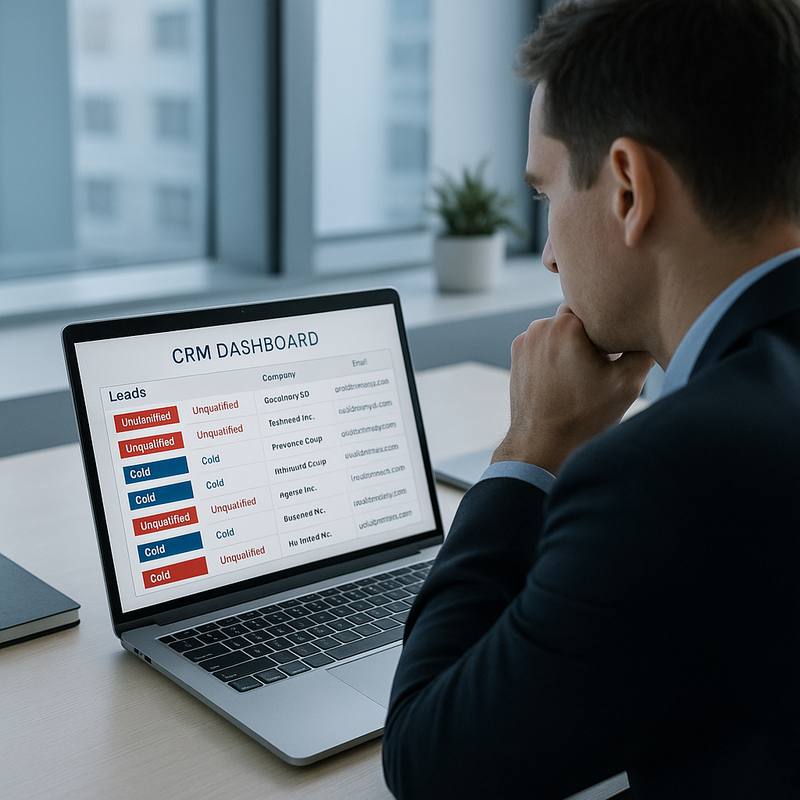
A client in the logistics software space came to us reporting 140 form fills in a single month from Google Ads. Their sales team had booked exactly four discovery calls from that batch, and only one moved to a proposal stage. The conversion rate from form fill to qualified opportunity was sitting at 0.7 percent. This is not a traffic problem, a budget problem, or a creative problem. It is a qualification problem built into the structure of the campaign and the form itself, and it is far more common in B2B than most agencies admit.
The Real Cause: Misaligned Intent at Every Stage
Most B2B lead generation campaigns optimise for form completions as a proxy for revenue, but form fills and sales-qualified leads are not the same metric. When Google's Smart Bidding or Meta's Advantage+ audience tools are pointed at a 'lead' conversion event, they learn to maximise whoever fills the form, not whoever buys. This pulls the audience toward researchers, students, junior employees checking competitor pricing, and job seekers who recognise your form layout from similar tools.
The misalignment compounds when the landing page itself is not filtering. A page that answers every objection up front and removes all friction is excellent for consumer e-commerce. In B2B, some friction is useful. If a visitor can submit a request in 20 seconds with only their name and a generic email, you have no signal about company size, budget, or buying timeline before the lead hits your CRM.
According to Gartner's research on the B2B buying journey, the average enterprise purchase now involves 6 to 10 decision-makers and spans 12 to 18 months. A form that does not surface even basic qualification criteria is accepting all 10 of those stakeholders equally, including the intern doing preliminary research in month one.
Fix 1: Add a Qualification Layer Directly to the Form
Adding two or three targeted fields to your form will reduce raw volume and increase the quality of every lead that makes it through. The specific fields depend on your ICP, but company size (number of employees or annual revenue), current solution being used, and estimated project timeline are typically the most predictive signals for B2B services.
One tactic that works consistently is a dropdown field for company size with a clear minimum threshold, such as '1-10 employees', '11-50', '51-200', and '200+'. If your minimum viable client is a 50-person business, you can use that dropdown to route or suppress smaller responses before they ever reach your sales team. This alone reduced unqualified submissions by 38 percent for one SaaS client we worked with in the UAE market.
A related tactic is a plain-text budget or spend field. Many marketers avoid it out of fear of scaring off prospects, but in practice it filters out tyre-kickers while attracting decision-makers who already have budget authority. Our article on why your B2B landing page does not convert covers the friction-versus-filtering tradeoff in more detail.
Fix 2: Push Offline Conversion Data Back Into Your Ad Platforms
If your campaigns are optimising toward form fills, you are teaching the algorithm to find more people who fill forms. The correct target is a downstream event: a sales-qualified lead, a booked meeting, or ideally a closed deal. Passing these events back to Google Ads via the offline conversions API, or to Meta via the Conversions API, retrains the bidding model on the signal that actually matters.
This process requires your CRM to tag lead stages and export timestamped conversion data, then a scheduled upload or a server-to-server connection to the ad platform. The setup takes roughly three to five business days for a competent developer, but the payoff is significant. In one account we audited, switching from 'form submit' to 'SQL created' as the primary conversion event dropped lead volume by 44 percent and reduced cost-per-SQL by 61 percent over eight weeks, with no increase in budget.
Understanding how different touchpoints contribute before a lead converts is also essential here. If you are not already tracking the full path from first click to qualified opportunity, read our breakdown of multi-touch attribution for B2B ROI before you start passing offline data, otherwise you may attribute the wrong channel with the wrong weight.
Fix 3: Segment Campaigns by Buyer Stage, Not Just by Keyword
One of the most common structural mistakes in B2B paid search is running awareness-stage and decision-stage keywords inside the same campaign, then sending all traffic to the same form. A prospect searching 'what is marketing automation' is at a completely different stage than one searching 'HubSpot alternative for 200-person team'. Both may convert on the same form, but only one is remotely close to a buying decision.
Segmenting by intent stage lets you set different bid strategies, different landing pages, and different form variants for each audience. Decision-stage campaigns warrant a full qualification form and a direct demo-booking flow. Awareness-stage campaigns are better served by a content offer, a webinar registration, or a lower-commitment entry point that starts a nurture sequence rather than going straight to sales. This structure also makes it far easier to spot which segments are generating the pipeline versus which are just filling the funnel with noise.
If you need a starting framework for structuring campaigns this way, our guide on how to structure Google Ads for B2B walks through the campaign architecture in detail, including how to handle shared negative keyword lists between stages. For teams that want a complete review of their current setup, a B2B growth audit will surface exactly which campaign segments are costing you budget without contributing to qualified pipeline.
What Good Looks Like: Benchmarks to Aim For
Once qualification is built into the form and offline conversions are feeding the algorithm, realistic targets for B2B paid search shift considerably compared to raw lead-volume campaigns. A well-structured B2B campaign with proper qualification typically sees form-to-SQL rates between 15 and 30 percent, compared to the 2 to 8 percent range common in unfiltered setups. Cost-per-SQL will appear to rise initially because volume drops, but revenue-per-SQL rises faster.
- Form-to-SQL rate target: 15-30 percent (up from a typical 2-8 percent with no qualification layer)
- SQL-to-meeting booked rate: 50-70 percent for well-matched ICPs
- Meeting-to-proposal rate: 40-60 percent when qualification fields match your minimum client criteria
- Time-to-qualification: under 48 hours from form submission, or conversion rates drop sharply
These benchmarks are not universal, they shift by sector, deal size, and geography. A professional services firm in London targeting CFOs has different baselines than a SaaS vendor in Dubai targeting ops managers. The principle holds across all of them: form fill volume is a vanity metric unless it is tied to a definition of 'qualified' that your sales team actually agreed to in advance.
Align Sales and Marketing on the Definition Before You Touch the Campaigns
The most technically correct lead generation setup will still produce empty pipeline if sales and marketing define 'qualified' differently. Marketing may call any form fill a lead. Sales may only count a prospect as qualified once they confirm budget and a 90-day buying window. If those definitions are not identical and documented, no algorithm optimisation or form field change will close the gap.
Run a lead review session with both teams every two weeks for the first two months of any restructured campaign. Pull a sample of 20 recent leads and have sales rate them: did this person match the ICP, did they have authority, did they have budget? Use the output to refine the form fields and the campaign targeting criteria iteratively. This feedback loop is where most of the quality improvement actually happens, not in the ad platform settings.
The combination of better form qualification, offline conversion data, intent-stage campaign segmentation, and a shared SQL definition typically moves the pipeline-from-paid-search number by a factor of 2 to 4 over a 90-day period, without requiring any increase in ad spend. That is the lever most B2B marketers are leaving untouched while they chase lower CPCs and higher click-through rates.